
The best Chief Architect users aren’t necessarily the fastest drafters. They’re the designers who build systems that eliminate repetitive work, reduce mistakes, and make project revisions easier to manage.
In this episode of The Designers Show, Dan Baumann, John Schrader and Rene Rabbitt shared practical techniques that help residential designers, remodelers, architects, and builders work more efficiently inside Chief Architect.
From layout management and saved camera workflows to AI-assisted design exploration and one of the most common causes of second-floor room problems, this episode delivered a masterclass in working smarter rather than harder.
The Growing Role of AI in Residential Design
One of the early conversations centered around how AI is beginning to influence the design process.
Dan discussed using AI-generated visualizations to quickly explore kitchen concepts and material variations for client presentations.
Rather than replacing Chief Architect, AI is becoming a valuable companion tool for:
- Exploring design ideas rapidly
- Testing color and material combinations
- Creating inspiration imagery
- Communicating concepts to clients earlier in the design process
- Generating alternatives before investing time in detailed modeling
The panel emphasized that AI is currently best used as an ideation tool rather than a replacement for technical design documentation.
“Every time I do these, I get ideas.”
That simple observation highlights one of AI’s greatest advantages: helping designers discover possibilities they may not have considered otherwise.
Design Standards Still Matter More Than Software
While technology continues to evolve, Robin Fisher and Kevin Transue consistently remind designers that software proficiency alone doesn’t create great projects.
Professional design standards, proper planning, and thoughtful decision-making remain the foundation of successful residential design.
Software should support design expertise, not replace it.
Whether designing kitchens, remodels, or custom homes, professionals who understand design principles will always produce stronger results than those relying solely on tools.
Layout Management: Stop Recreating Views
One of the most valuable workflow discussions focused on managing layout views efficiently.
Many Chief Architect users still duplicate work unnecessarily by creating multiple plan views when a single source view can accomplish the same objective.
Dan demonstrated how a single layout box can be repurposed to display different information simply by changing what is shown within the linked view.
Examples include:
- Construction plans
- Electrical plans
- Presentation views
- Annotation views
- Permit drawings
Instead of rebuilding multiple views from scratch, users can leverage existing references and simply control what information is visible.
Benefits of This Approach
- Faster documentation
- Better consistency
- Reduced errors
- Easier project updates
- Cleaner layout management
For larger projects, this workflow can save hours over the course of development.
Saved Cameras: One of Chief Architect’s Most Underused Productivity Tools
Throughout the discussion, Dan emphasized a workflow habit he repeatedly teaches to students and Pro Academy members:
Use saved cameras.
Many users create camera views repeatedly throughout a project instead of storing them as reusable assets.
A saved camera allows designers to:
- Return instantly to important viewpoints
- Maintain consistency across revisions
- Send views directly to layout
- Create repeatable presentation workflows
- Reduce navigation time
Why Saved Cameras Matter
Imagine updating a kitchen design six months after initial approval.
Without saved cameras, you must recreate presentation angles manually.
With saved cameras, the views already exist and can be updated immediately.
For professionals managing multiple revisions, this becomes a significant time saver.
Pro Tip: Build Your Workflow Around Reusable Assets
The biggest productivity gain discussed in this episode wasn’t a hidden command or secret setting. It was the mindset of creating reusable systems.
Whether it’s:
- Saved cameras
- Layout templates
- Layer sets
- View templates
- Annotation systems
The most efficient Chief Architect users stop recreating work and start building repeatable workflows.
This principle surfaced repeatedly throughout the conversation and represents the single biggest takeaway from the episode.
Understanding Layout Views and Viewports
An interesting discussion emerged around terminology inside Chief Architect.
The panel explored how users often refer to layout boxes and viewports differently depending on their workflow history and templates.
While terminology may vary, the larger lesson is more important:
Know What Your Layout Is Referencing
Many troubleshooting issues occur because users forget what source view a layout box is connected to.
Before making changes, verify:
- Which plan view is linked
- Which layer set is active
- Which floor is displayed
- Which annotations are being shown
This simple habit prevents confusion and reduces layout management problems.
Troubleshooting Second-Floor Rooms: The Attic Wall Problem
Near the end of the episode, Rene Rabbitt walked through one of the most common support issues encountered by Chief Architect users.
The Problem
A designer creates a second floor but cannot select rooms correctly. Room labels disappear. Chief Architect fails to recognize enclosed spaces.
The cause is often an attic wall configuration issue.
Why It Happens
This typically occurs when:
- A project begins as a one-story structure.
- Roofs are generated.
- A second floor is added later.
- Automatically generated attic walls remain configured incorrectly.
Chief creates attic walls automatically to fill areas beneath roof planes.
These walls often include settings such as:
- Attic Wall
- No Room Definition
- No Locate
If No Room Definition remains active, Chief cannot properly form rooms in those spaces.
The Fix
Review the wall settings and verify:
- Whether the wall is marked as an attic wall
- Whether No Room Definition is enabled
- Whether the wall should actually participate in room creation
In many cases, adjusting these settings immediately resolves room recognition issues.
This is one of those troubleshooting techniques that can save hours of frustration.
Why These Conversations Matter
What makes The Designers Show valuable is that it goes beyond software commands.
The conversations combine:
- Technical expertise
- Real-world project experience
- Design best practices
- Business strategy
- Workflow optimization
The result is practical guidance that helps professionals become more efficient, more profitable, and more confident in their work.
Whether the topic is AI visualization, layout management, or attic wall troubleshooting, the underlying lesson remains the same:
The best workflows are intentional workflows.
Key Takeaways
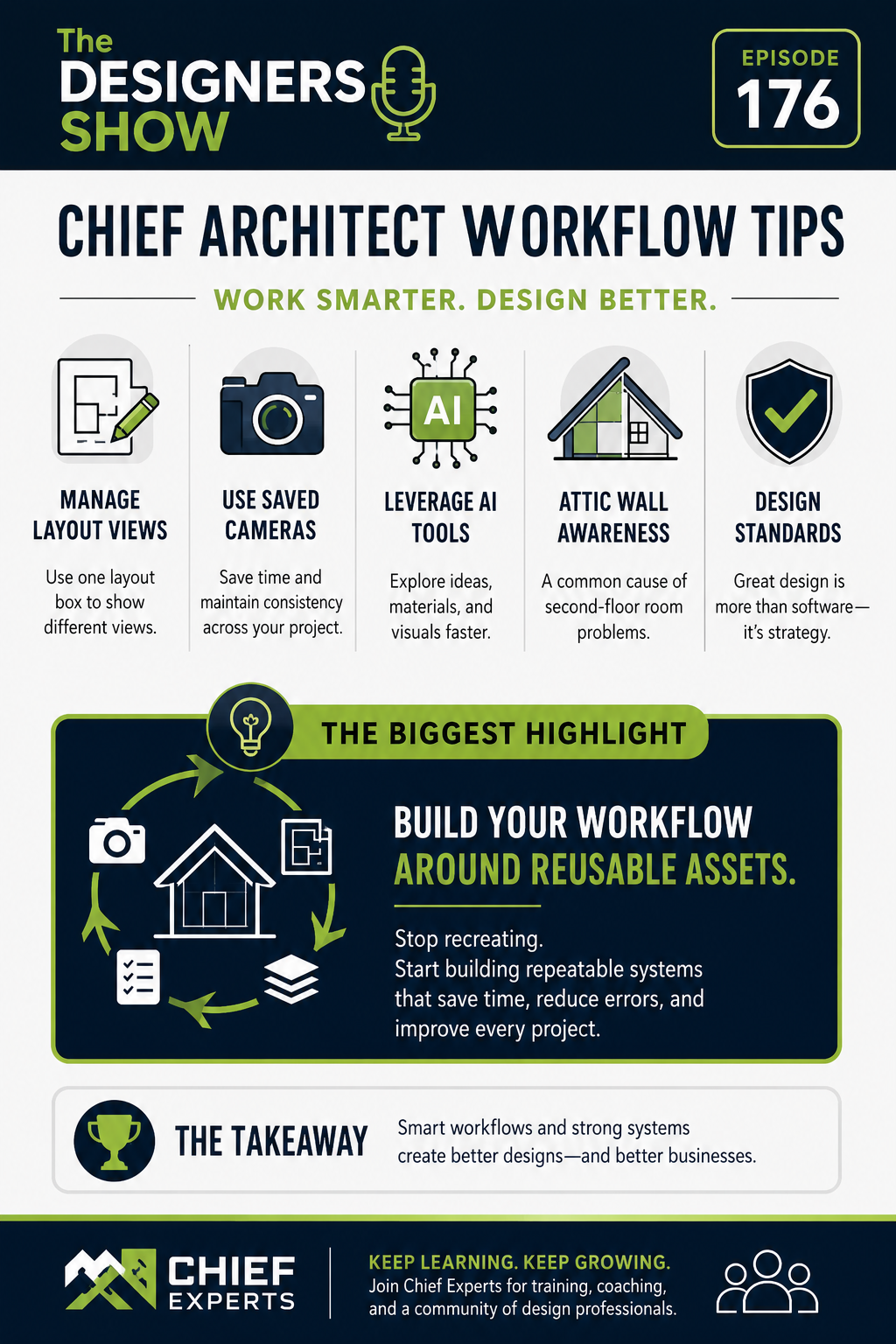
- AI can accelerate concept development and improve client communication.
- Saved cameras are one of the highest-value productivity tools in Chief Architect.
- Reusing views and layout assets reduces errors and saves time.
- Understanding layout references prevents documentation problems.
- Attic wall settings are often the cause of second-floor room issues.
- Strong systems outperform shortcuts every time.
The Big Win
Implementing even one of the workflow strategies discussed in this episode can eliminate repetitive tasks, reduce project frustration, and improve consistency across every Chief Architect project you produce.
Small efficiency gains compound quickly.
That’s how professional users separate themselves from everyone else.
Continue Learning with Chief Experts
Want deeper training on the workflows, systems, and strategies discussed in this episode?
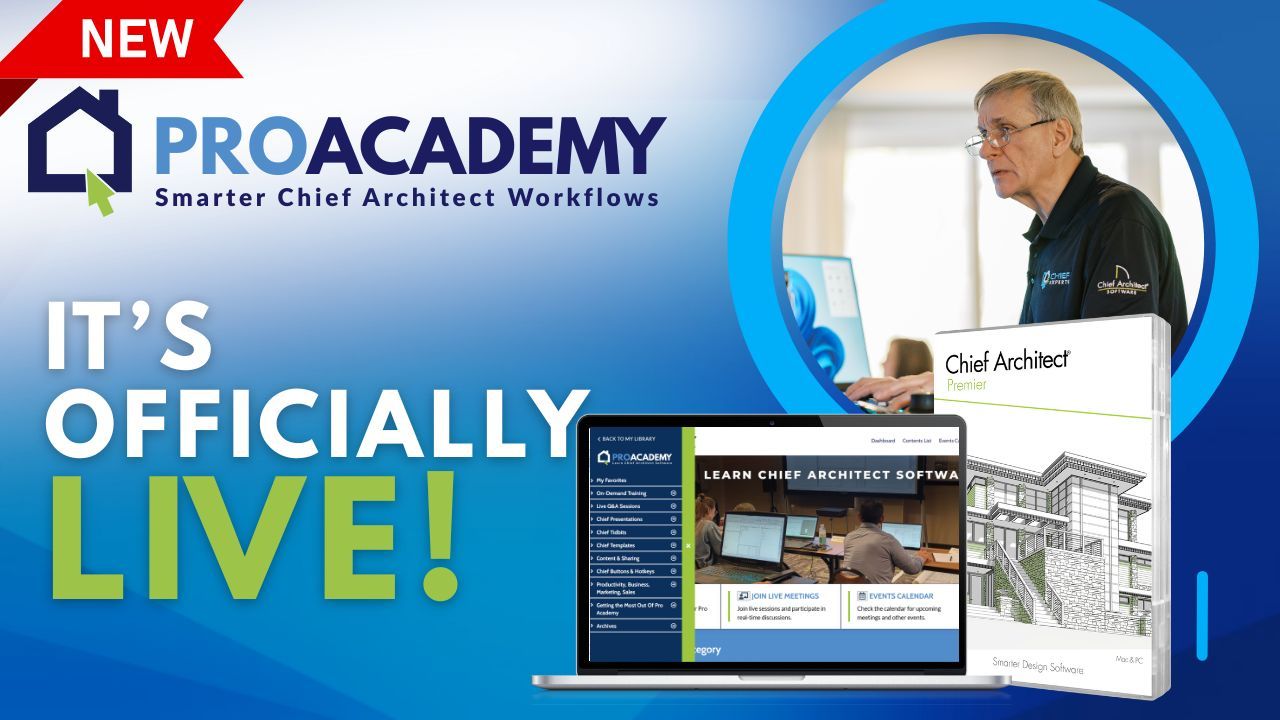
Join the Chief Experts PRO ACADEMY for advanced Chief Architect training, live events, coaching, and real-world solutions designed specifically for residential designers, remodelers, architects, and builders.
Register for to The Designers Show and explore upcoming training opportunities through Chief Experts to continue sharpening your skills.