
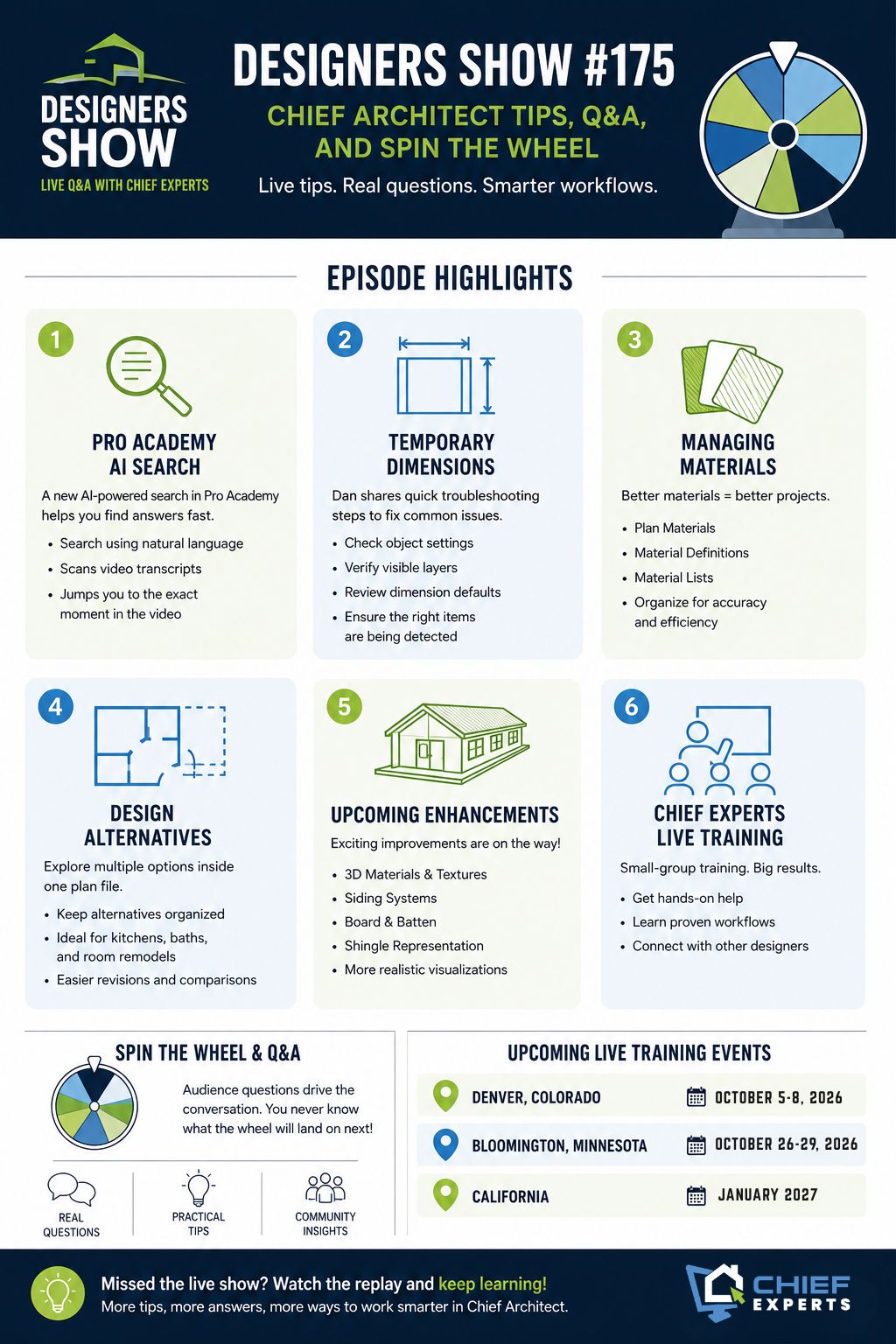
A practical recap from the latest Designers Show with Dan Baumann, Renee, and John.
One of the things that makes the Designers Show different is that you never know exactly where the conversation will go.
For Designers Show #175, Dan Baumann, Renee, and John mixed live Q&A with a few rounds of “Spin the Wheel,” landing on a variety of Chief Architect topics ranging from temporary dimensions and material management to design alternatives and upcoming software features.
If you missed the live show, here are some of the highlights.
A New Way to Search Chief Architect Training Content
One of the biggest topics discussed was not a Chief Architect tool at all.
Dan demonstrated a new search feature inside Pro Academy that allows members to search through hundreds of hours of training content using natural language questions.
Instead of trying to remember which video covered a specific topic, users can type questions such as:
- How do temporary dimensions work?
- How do I change my layout page size?
- What is the best way to manage plan materials?
The system searches video transcripts, identifies the most relevant training segments, and takes users directly to the exact location in the video where the topic is discussed.
For anyone who has ever spent time digging through training libraries trying to find a specific answer, this could become one of the most valuable features inside Pro Academy.
Temporary Dimensions: Understanding How They Really Work
One of the first technical topics that came up involved temporary dimensions.
Temporary dimensions are one of the most powerful tools in Chief Architect, but many users never fully understand how they are generated or how to control them.
Rather than covering the entire topic during the live show, Dan used it as an example of how the new Pro Academy search feature can instantly locate detailed training videos dedicated to the subject.
The takeaway is simple: if temporary dimensions ever seem inconsistent, there is usually a reason. Understanding how Chief chooses reference points and how dimensions are generated can dramatically improve drafting speed and accuracy.
Managing Materials More Effectively
One of the wheel selections landed on material management.
Anyone who has worked on large projects knows how quickly material lists can become difficult to manage.
The discussion touched on:
- Plan Materials
- Material Definitions
- Material Lists
- Organizing and managing project materials
- Future improvements coming to Chief Architect’s material system
Dan noted that material management alone could easily fill an entire training session because of how many workflows it affects throughout the design process.
For designers working with detailed specifications, finish schedules, and material takeoffs, developing a solid material management strategy can save significant time later in the project.
Exploring Design Alternatives Inside a Single Plan
Another useful topic involved creating design alternatives.
Rather than maintaining multiple plan files, Dan demonstrated methods that allow designers to create alternative layouts within a single project file.
This approach can be especially useful when working on:
- Kitchen remodels
- Bathroom remodels
- Single-room renovations
- Client option presentations
Keeping alternatives organized inside one plan can make revisions easier and reduce the chances of maintaining multiple versions of the same project.
Upcoming Material and 3D Texture Improvements
The conversation also touched on future enhancements coming to Chief Architect.
While specific details remain limited, there was discussion about improvements related to:
- 3D materials
- Texture handling
- Siding systems
- Board and batten materials
- Shingle representation
These improvements are expected to provide more realistic visualization and greater flexibility when creating exterior renderings.
If realistic presentations are an important part of your workflow, these updates will be worth watching.
Chief Experts Live Training Updates
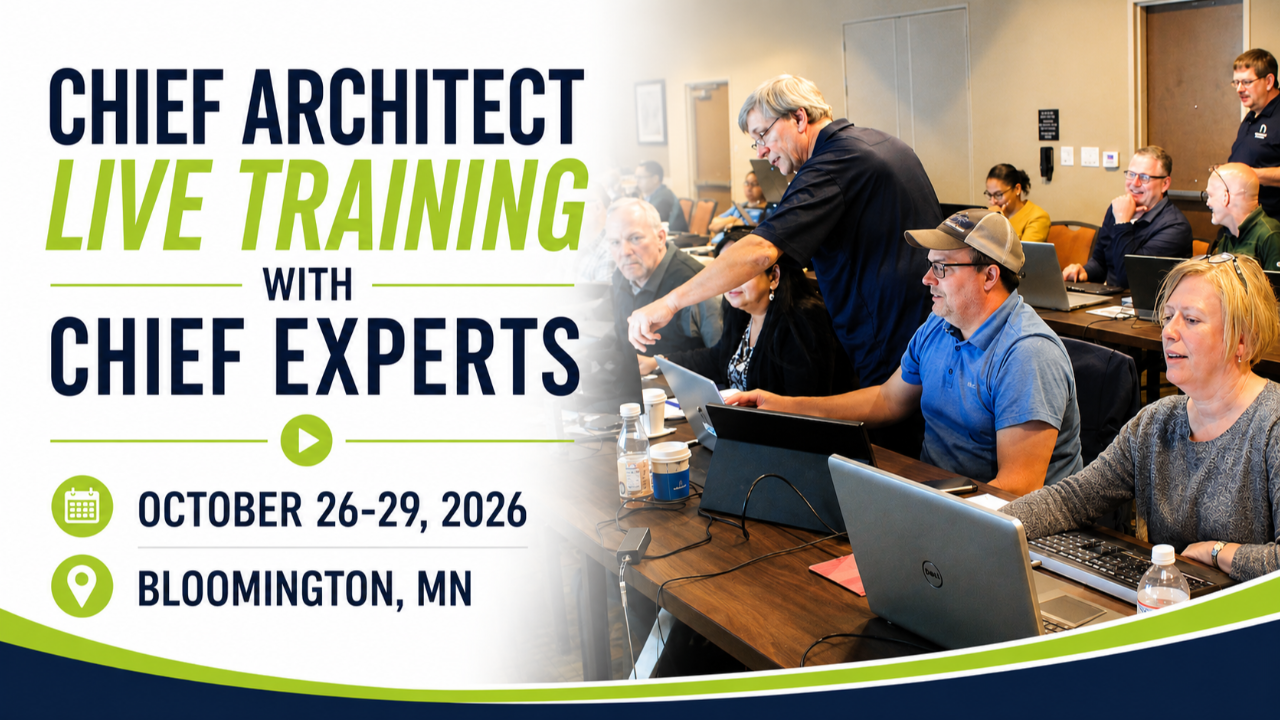
Dan also shared updates about upcoming Chief Experts Live Training events.
These small-group training events continue to be one of the fastest ways for Chief Architect users to improve their workflow, get direct feedback, and learn from other designers facing similar challenges.
Why These Q&A Sessions Matter
One of the most valuable aspects of the Designers Show is that it focuses on real-world questions from actual Chief Architect users.
Sometimes the biggest breakthroughs come from topics you were not planning to learn about.
- A question about dimensions turns into a workflow improvement.
- A discussion about materials reveals a better way to organize projects.
- A quick demonstration uncovers a feature you have never used before.
That is exactly why these sessions continue to be popular among designers, remodelers, builders, and Chief Architect power users.
Watch the Next Designers Show Live
Every Designers Show includes practical Chief Architect tips, workflow discussions, software demonstrations, and live Q&A.
Whether you are a beginner trying to work faster or an advanced user looking for new techniques, there is always something valuable to take away.
Join us live for future episodes and bring your questions. You never know what the wheel will land on next.