Mastering Your Mouse in Chief Architect
There are faster ways to select, move, edit, zoom, pan, and draw in Chief Architect.
Get 20 practical mouse techniques designed to save clicks and speed up your everyday workflow.
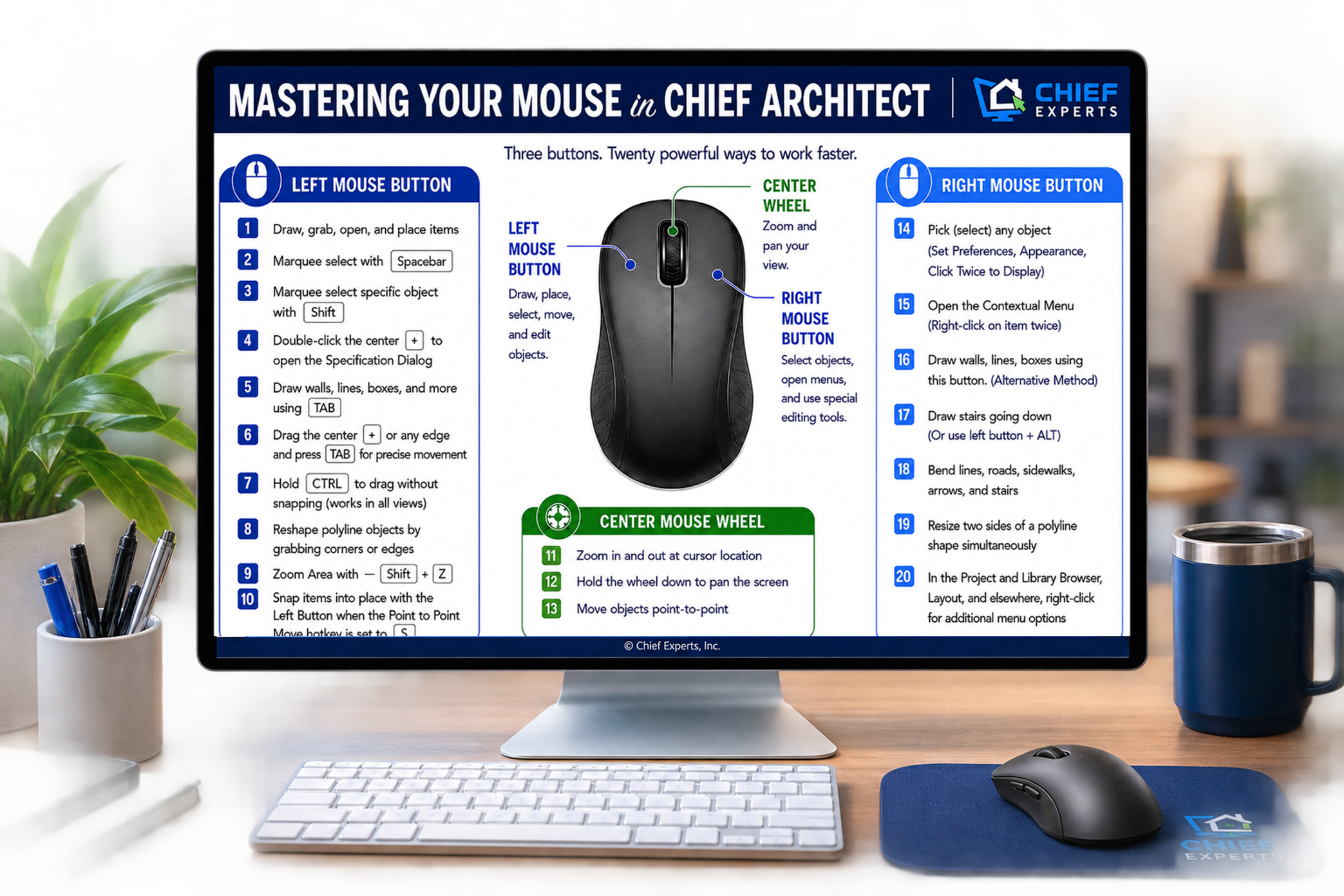
Printable PDF Guide
Keep all 20 mouse techniques at your fingertips for quick reference while you work.
Full Video Walkthrough
See every mouse feature demonstrated inside Chief and learn exactly how and when to use it.
20 techniques. 3 mouse buttons. One faster way to work in Chief. Get it now!

Make More Money Selling Your Design Services
Learn how to price and sell your design services more profitably with this practical guide from Dan.
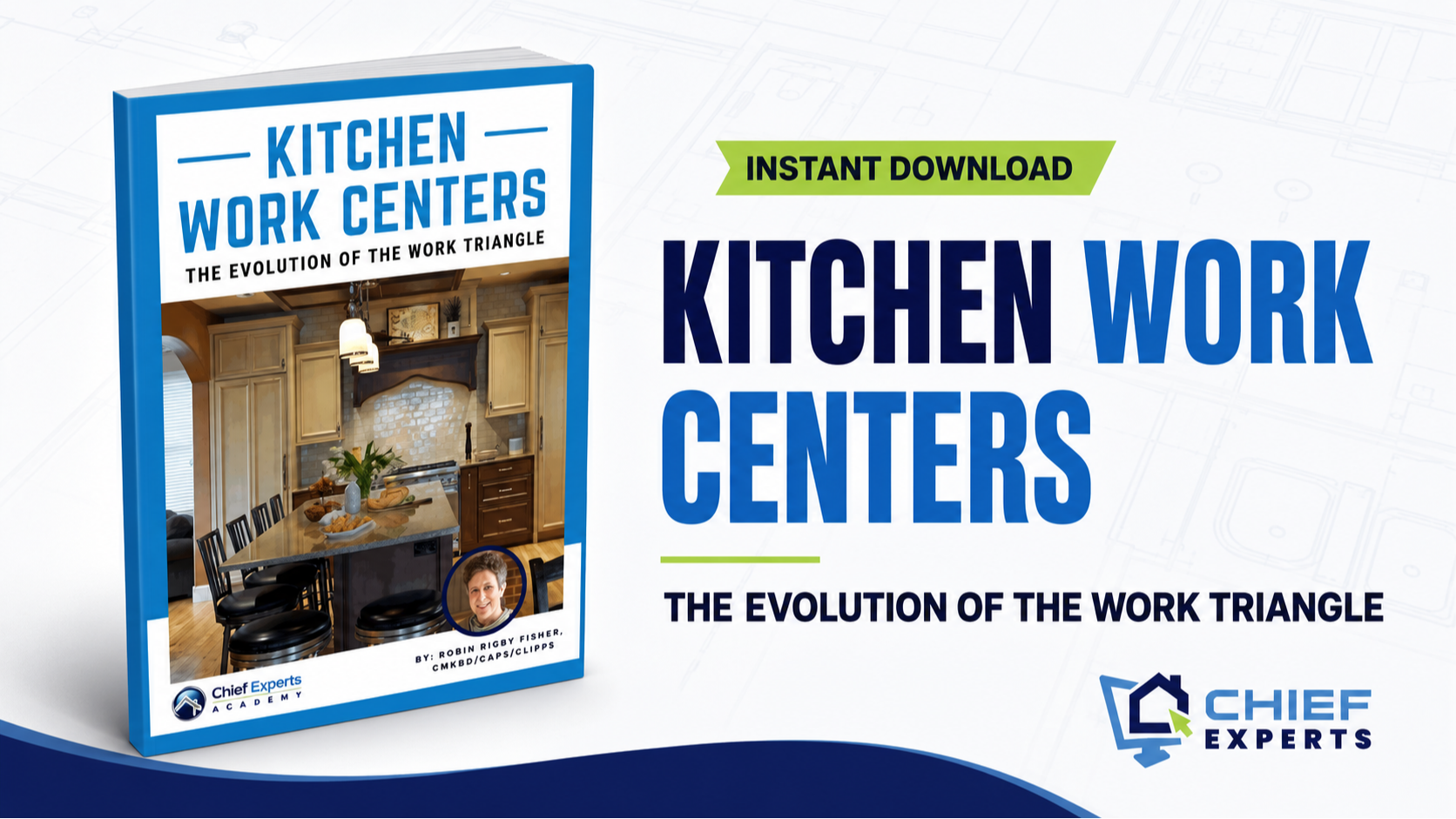
Kitchen Work Centers
The Evolution of the Work Triangle
Learn how kitchen work centers improve flow, function, and efficiency beyond the traditional work triangle.
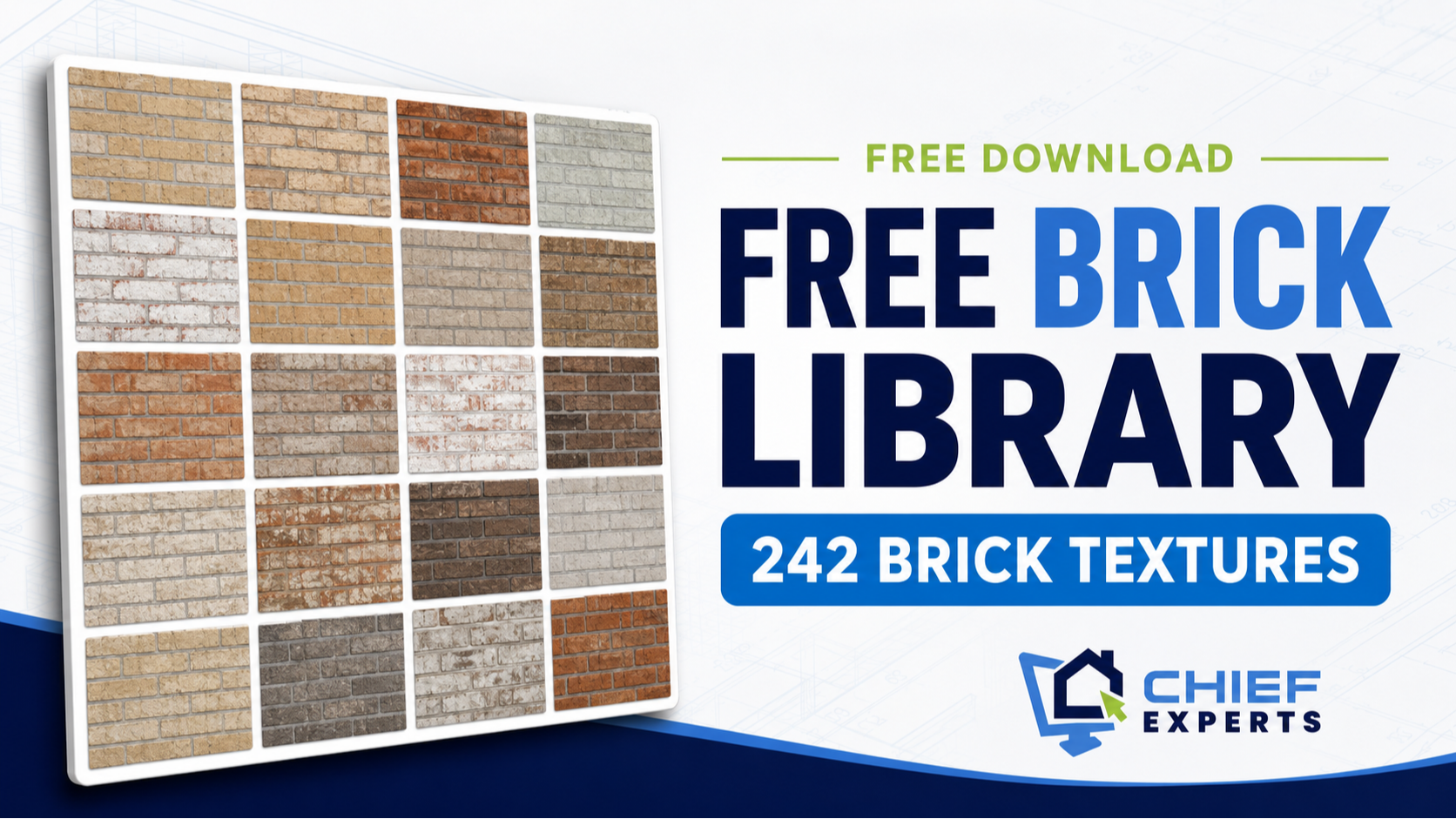
Chief Brick Library
242 Brick Textures
Download 242 brick textures to add more realistic materials and variety to your Chief Architect designs.